
Arcwell 1.3 puts gravity in your hands
Send a rocket curving around a planet from your own table. Race a friend to the reactor. The free Arcwell 1.3 update is out now on Meta Quest, with refreshed menus and hand tracking throughout the game alongside the existing Touch controls.
Make gravity do the steering
A rocket is headed wide of the reactor. Open your hand beside its flight path, or squeeze a Touch trigger, and the grid dips into a gravity well. The rocket curves toward the well. Shift the well as the rocket flies past and watch it swing onto a route that looked impossible a moment ago.
That’s Hand of Gravity. Set the projector on your table or place it in midair, then work through 16 levels in your room with mixed reality or switch to a space backdrop.
Build a solar system and set it in motion
Open Hand of Gravity Playground to set planets and moons in orbit, drop a black hole into the mix, and see how sharply a full-speed throw can bend. Try the same throw again after moving a planet and see how much the path changes.
Find your way around the refreshed Observatory
The menus have a new look, from the home console to the glass displays in the Fitting Bay and at the suit mirror. Hand tracking now works throughout Arcwell alongside the existing Touch controls. Use whichever you prefer to navigate menus, run a training lesson, dock a ship, or play with a friend. The prompts show the buttons or gestures for the controls you’re using.
Give your friend the controls
In co-op Escort, one of you eases a ship toward the docking port while the other flies a support drone and clears rocks from the approach. If you’d rather compete, fly the same gravity field and see who can reach the reactor first. Or open a shared Playground and build an orbital system together.
You only need a private six-character room code to find each other in the game. Both headsets need internet access and the same version of Arcwell.
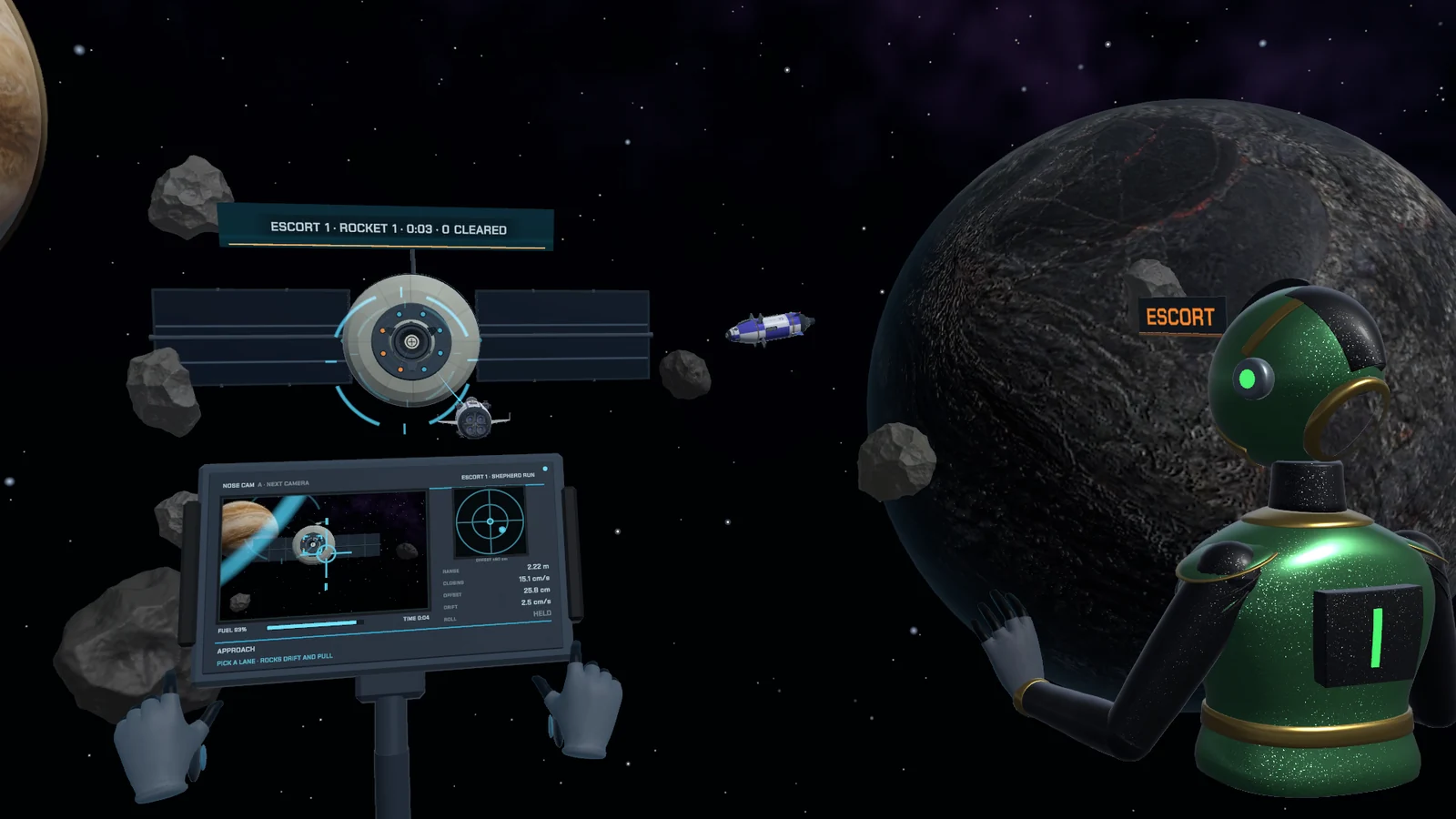
Take your own ship out
Build a ship in the Fitting Bay, from the nose and fins to the paint, lights and exhaust. Save a few builds and pick your favorite before the next flight. Change your suit, helmet, visor and pack at the suit mirror. Your partner can see your ship and suit in multiplayer.
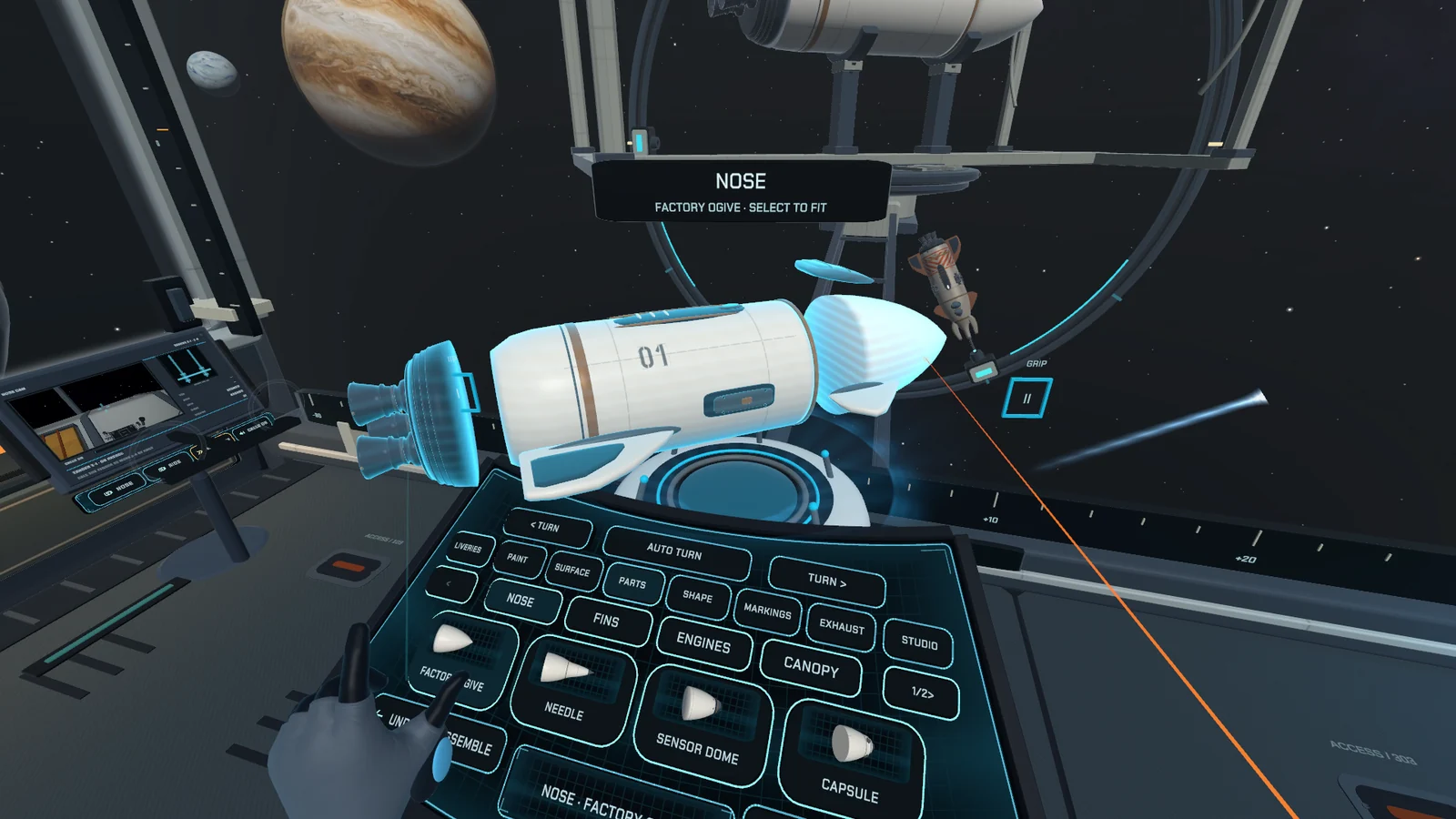
See what your flights have earned
Stop by the Record Hall to inspect your patches and trophies and see your lifetime flight stats. There are 99 commendations to earn, including a few you’ll have to discover for yourself. Each also unlocks as a Meta Quest achievement.
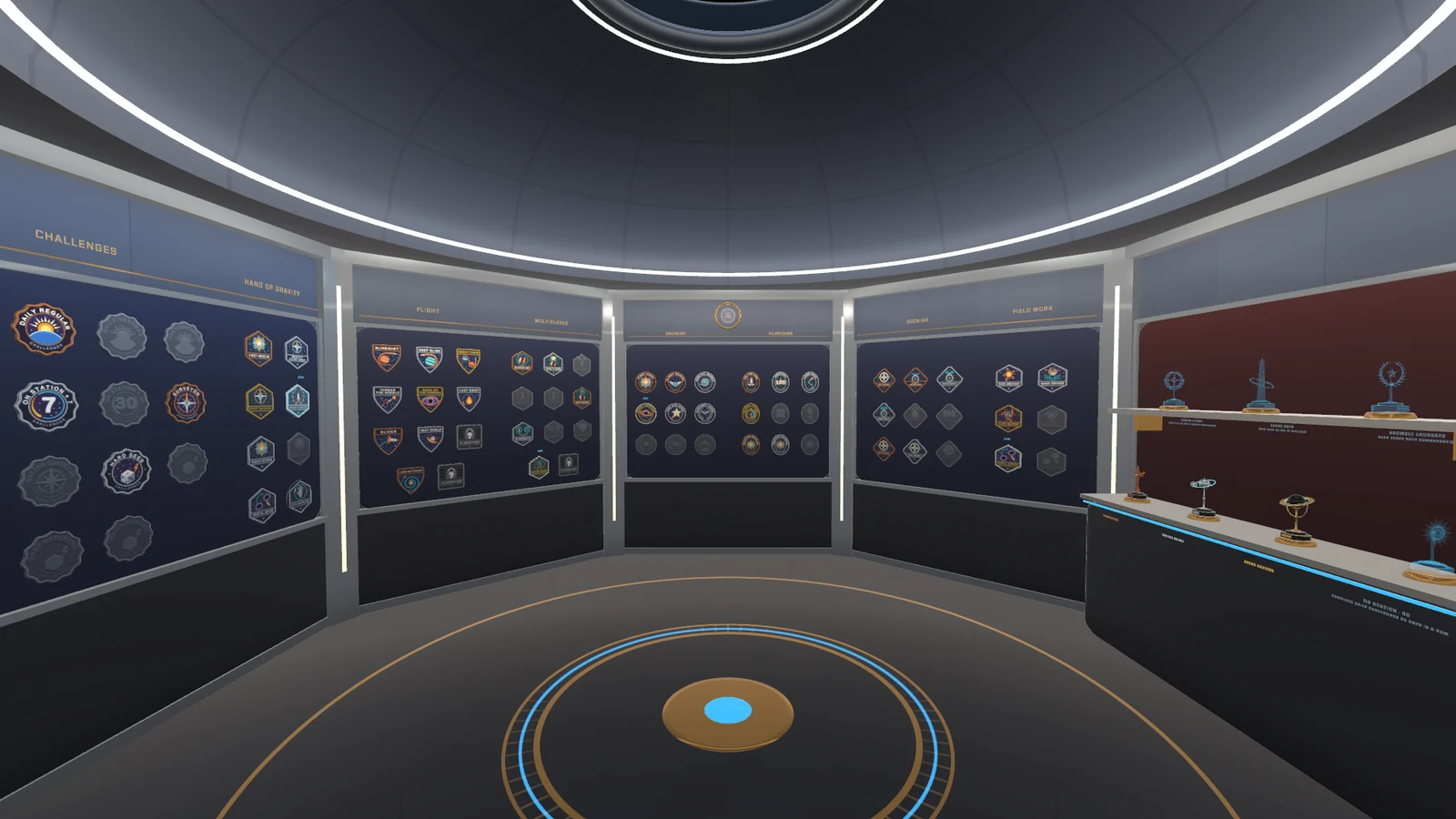
Stay a little longer at the station
When the service Tender calls, slip your hands or controllers through the two ports and work its claws from the camera feed. There are six rotating repairs to try.
Between calls, take the Observatory’s miniature rocket through its timed rings. If you’re heading back to Precision Strike, Flight Check now teaches the mid-flight nudge, and you can retry from any mission result.
Update Arcwell on your Quest, then choose Hand of Gravity from the home console or share a room code with a friend.
The Hand of Gravity, Playground and Tender Uplink captures show hand-tracked play. The Escort, Fitting Bay and Record Hall stills were captured in the Unity Editor. The Escort still uses a scripted partner.
Get Arcwell on Meta Quest